Communication is life
We create assistive technology for disabled people who experience difficulty with speech, to communicate and live more independently.

What is AAC?
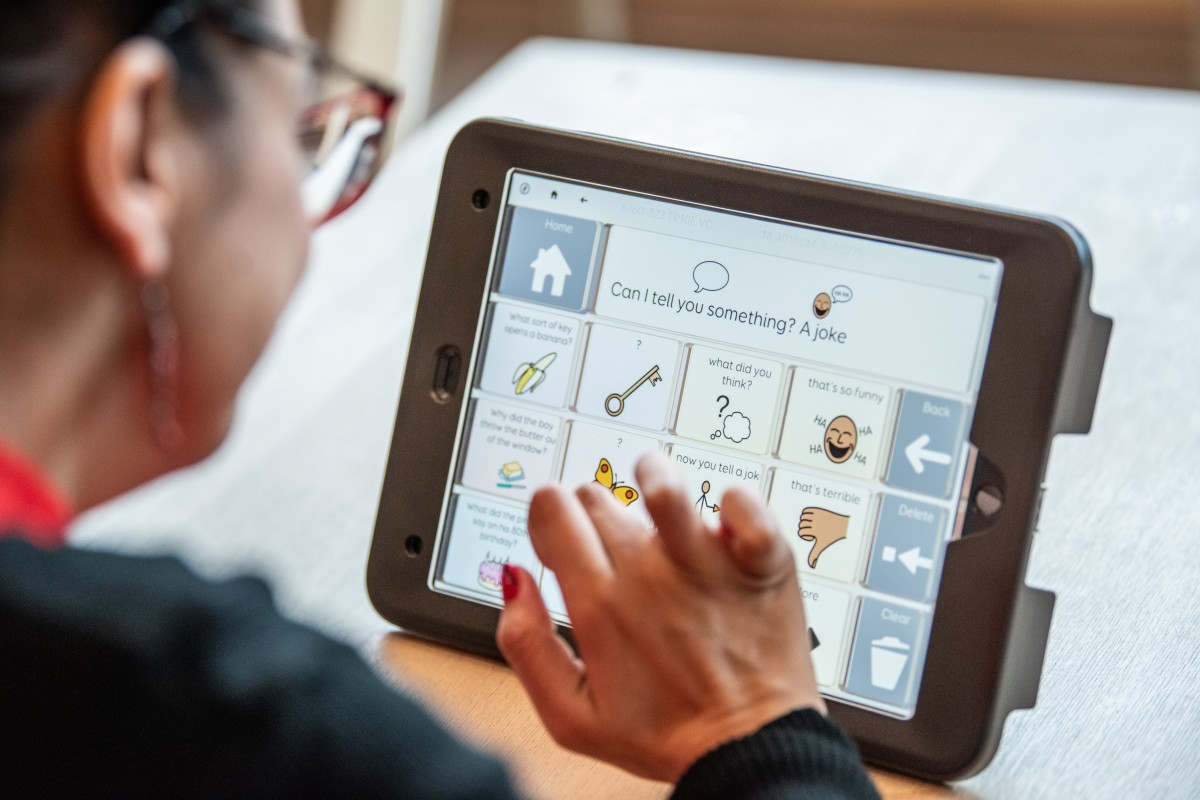
AAC (Augmentative and Alternative Communication) is used to support people who have difficulties communicating using speech.
AAC for everyone
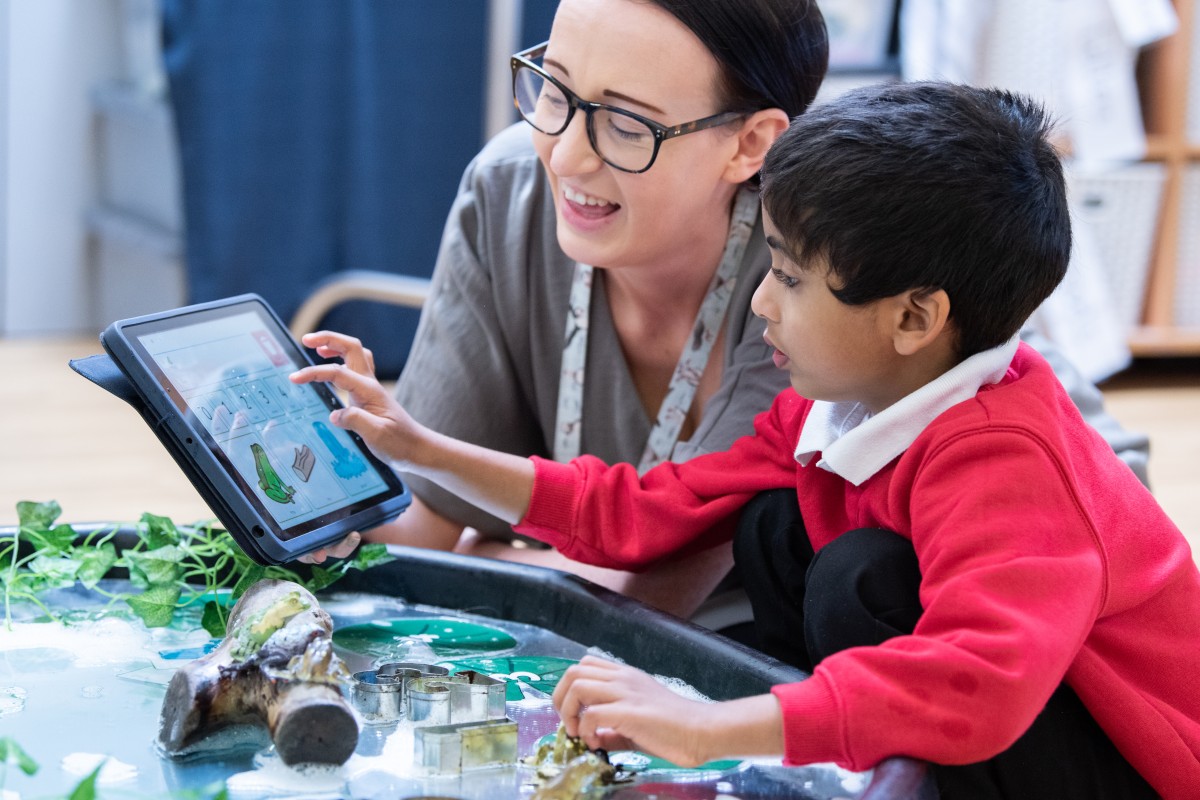
We support people with a wide range of conditions, and our products are used by thousands of children and adults around the world.
Smartbox solutions
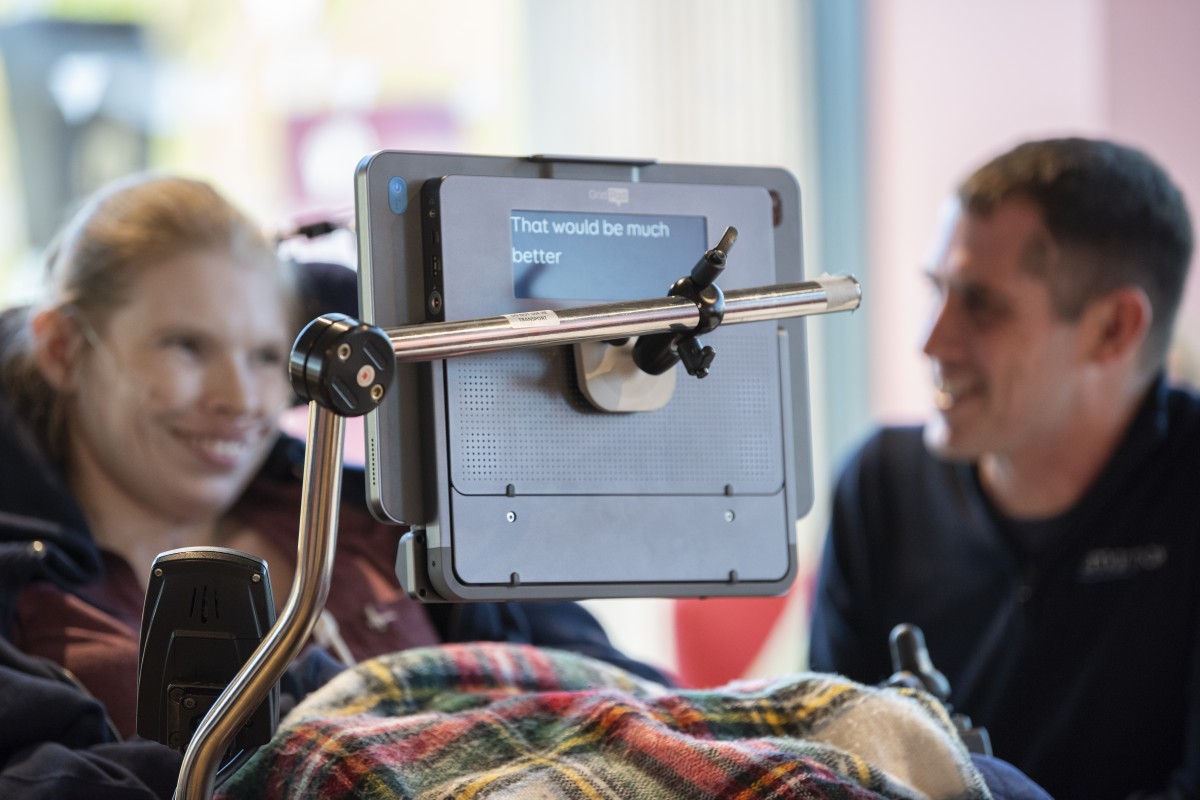
Our hardware, software and resources help disabled people to communicate, access apps, use computers, and control their environment.
Say more with Grid
Our flagship Grid software is the world’s most versatile communication software, with content for everyone. Available in over 40 languages, on Windows and iPad.

Latest news
-

Welcoming Nadine as Managing Director at Rehavista >
We are delighted to welcome Nadine Rühmann as Managing Director at Rehavista – part of the Smartbox Family serving the German AAC community. Read More
-

Celebrating Autism Acceptance Month 2024 >
We are halfway through Autism Acceptance Month, where we celebrate the inclusion of all autistic people and achievements within the autism community. Read More
-

Introducing programmable Smart Buttons >
Grid Pad 13 features new Smart Buttons to help you quickly navigate your device. Choose one of our default settings, or a custom function. Read More
-

Lunch and Learn sessions for the USA >
We have introduced brand-new online ‘Lunch and Learn’ sessions for professionals who want to learn more about Smartbox products and are based in the USA. Read More