Communication is life
We create assistive technology for disabled people who experience difficulty with speech, to communicate and live more independently.

What is AAC?
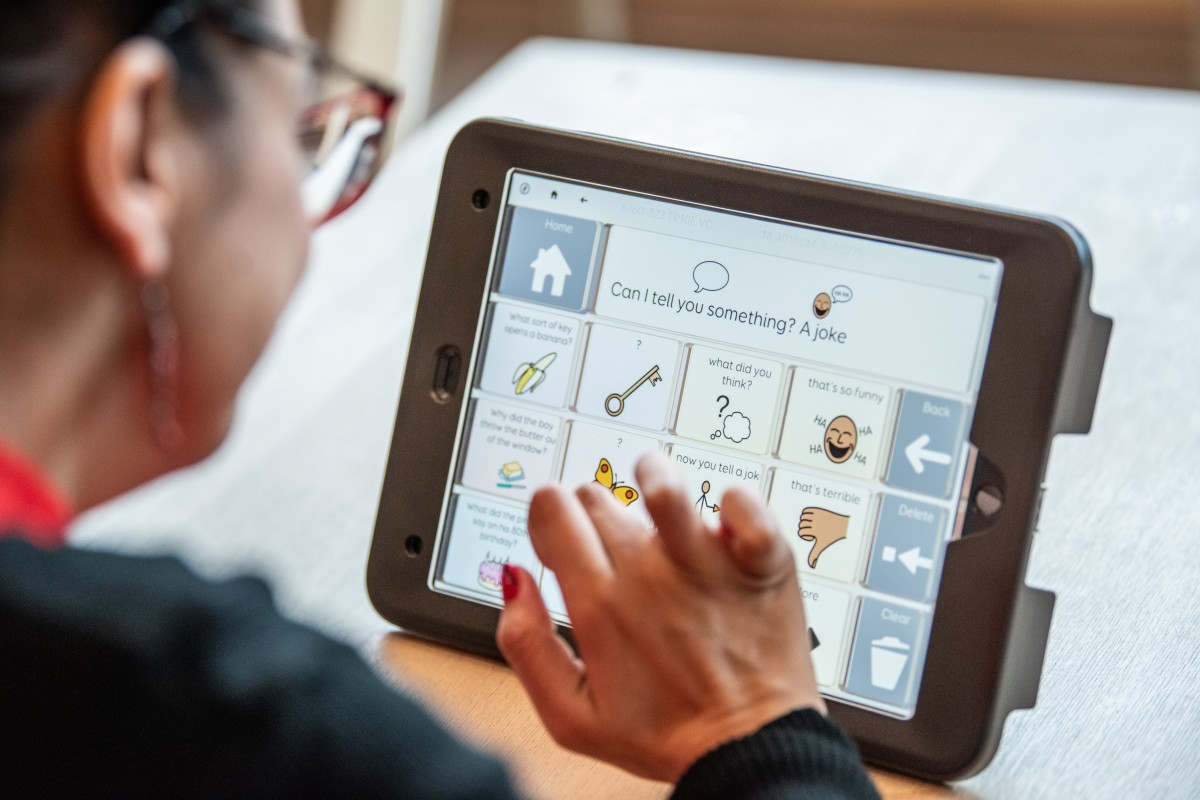
AAC (Augmentative and Alternative Communication) is used to support people who have difficulties communicating using speech.
AAC for everyone
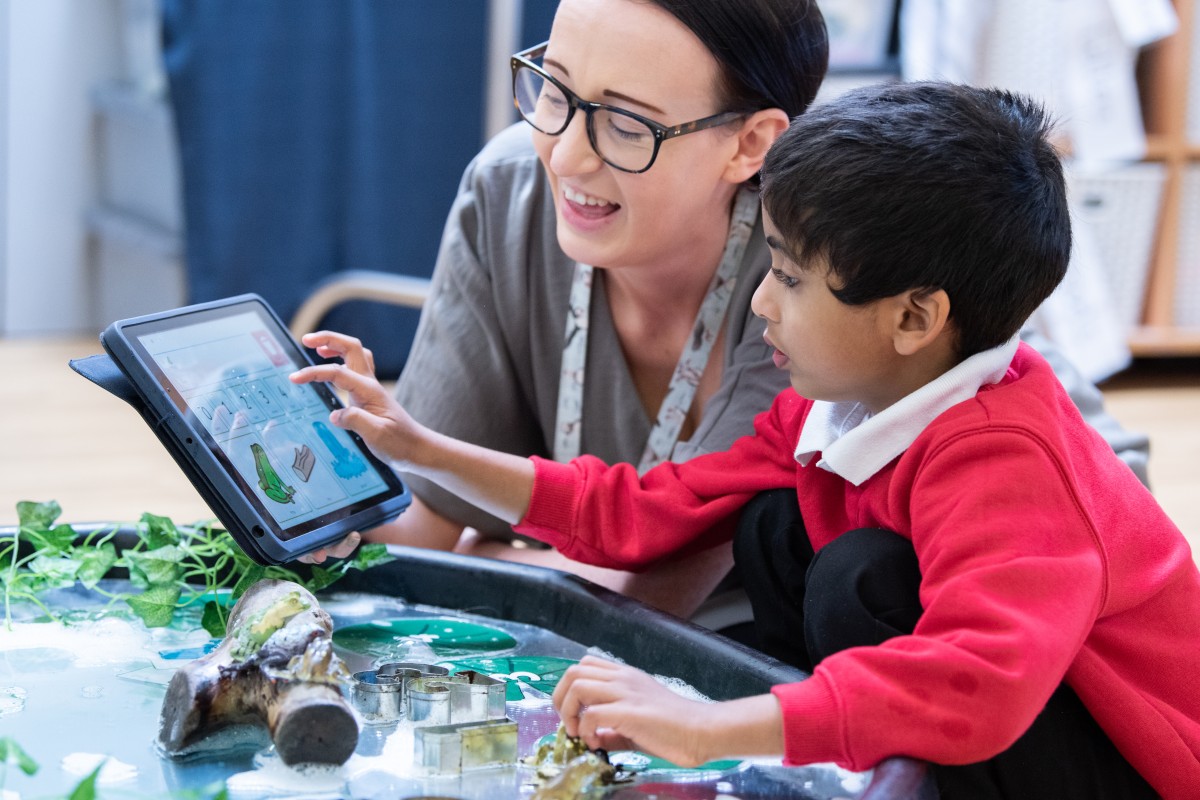
We support people with a wide range of conditions, and our products are used by thousands of children and adults around the world.
Smartbox solutions
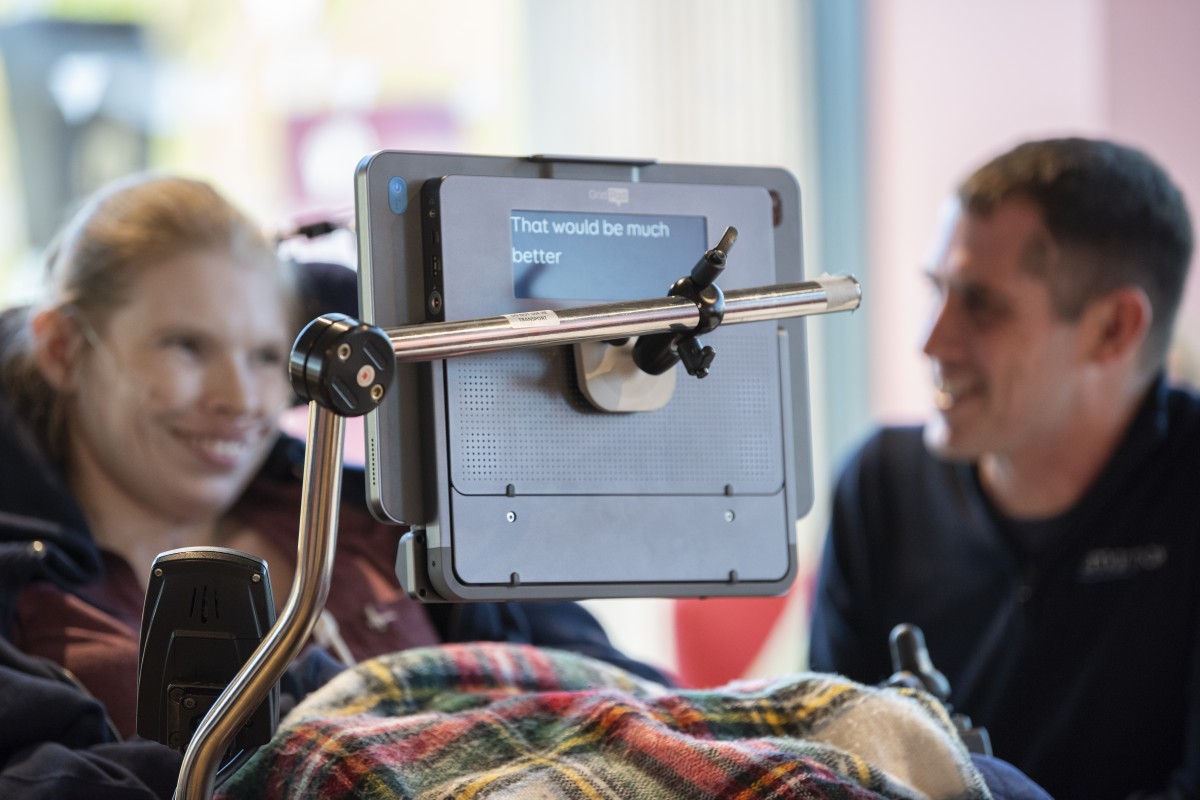
Our hardware, software and resources help disabled people to communicate, access apps, use computers, and control their environment.
Say more with Grid
Our flagship Grid software is the world’s most versatile communication software, with content for everyone. Available in over 40 languages, on Windows and iPad.

Latest news
-

Lunch and Learn sessions for the USA >
We have introduced brand-new online ‘Lunch and Learn’ sessions for professionals who want to learn more about Smartbox products and are based in the USA. Read More
-

How can gestalt language processors benefit from AAC? >
In celebration of Autism Acceptance Month, we wanted to share a summary of our recent Smartbox Academy webinar: Spotlight on Gestalt. Read More
-

Discover a brand-new Grid Pad >
Building upon previous generations, this sleek new Grid Pad is packed with innovations and ready to use with Lumin-i and Vida eye tracking technology. Read More
-

UK Next Gen Showcase Events >
We are hosting a series of roundtable events in the UK, in Leeds, London and Malvern in April, to showcase the latest generation Grid Pad 13, with customers invited to attend and take part. Read More